22 Years of Expertise in Custom Labels & Packaging

Artwork Requirements for Custom Labels & Packaging

Prepare clear, production-ready artwork for woven labels, printed care labels, heat transfers, hang tags and branded packaging. Understand the files, dimensions, colors, text and technical layers needed for an efficient artwork review.

Artwork Requirements for Custom Labels & Packaging

Give Production the Information Design Files Cannot Guess

A good-looking screen preview is not always a complete manufacturing file. Finished dimensions, construction and process-specific details must be explicit rather than inferred from the artwork.

Clear Source Artwork

Supply editable vector artwork, such as AI, EPS or vector PDF, whenever available. For woven labels, hang tags and packaging, include approved color references and check that logos, fine lettering and important details remain clear at the intended finished size.

Approved Wording

Confirm brand names, product details, fiber composition, care symbols and required language versions before submitting artwork. Provide approved text and identify who is responsible for reviewing the information used on garment labels, hang tags and packaging.

Finished Construction

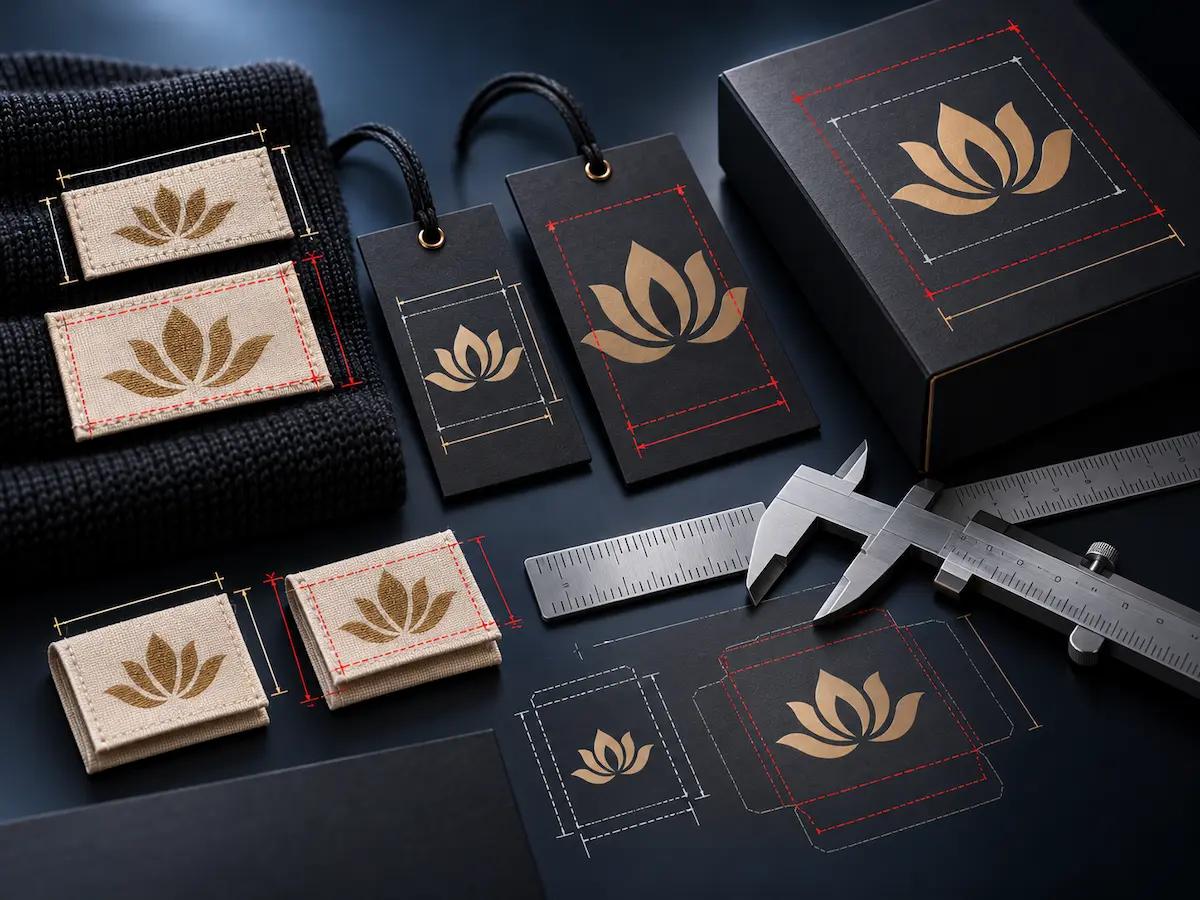
Specify finished dimensions separately from flat artwork and cutting layouts. Mark fold lines, sewing allowances, punched holes and packaging dielines where relevant. Confirm that important graphics align with the intended garment label, hang tag or packaging structure.

Version & Ownership

Clearly identify the latest artwork revision, approval contact and any changes made during sampling. Confirm permission to use supplied logos, graphics and fonts, and keep outdated files separate so the manufacturing team can review the correct production version.

Choose a File That Can Be Checked and Reproduced

Provide original editable artwork where possible. A PDF or raster reference can help explain appearance, but it may not contain the production data required for every process.

Preferred where compatible

AI / EPS

Editable vector source files can preserve shapes, text outlines and separate production layers when correctly prepared.

Common exchange format

Vector PDF

A vector-based PDF can carry scale and artwork elements, but embedded fonts, flattened effects and linked assets still need checking.

Review compatibility

SVG

Useful vector artwork for selected projects; confirm compatibility with the actual print, tooling or weaving workflow.

Reference or case-by-case

PNG / JPG

Raster images may be suitable as visual references or for selected print workflows. Resolution and scale must be reviewed; raster files cannot replace a dieline.

Artwork Requirements Change with the Product

Use the right production notes for the actual branding component instead of submitting the same generic design file for every item.

Explore the Sampling Process
Woven labels artwork requirements

Woven Labels

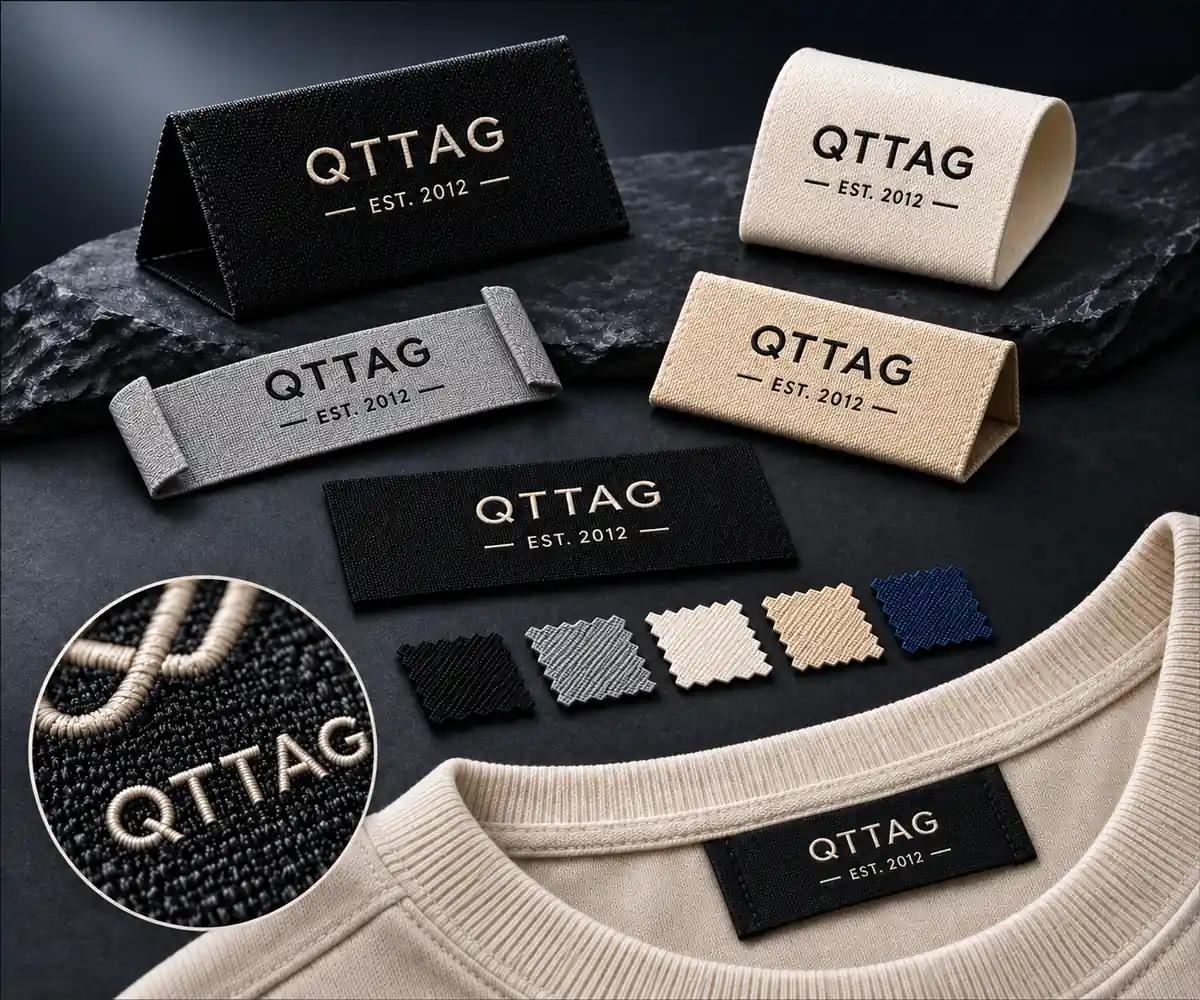
Provide logo artwork, intended visible size, color references, orientation and fold or sewing configuration.

Review tiny lettering and yarn-level detail with the manufacturing team.
Printed and care labels artwork

Printed & Care Labels

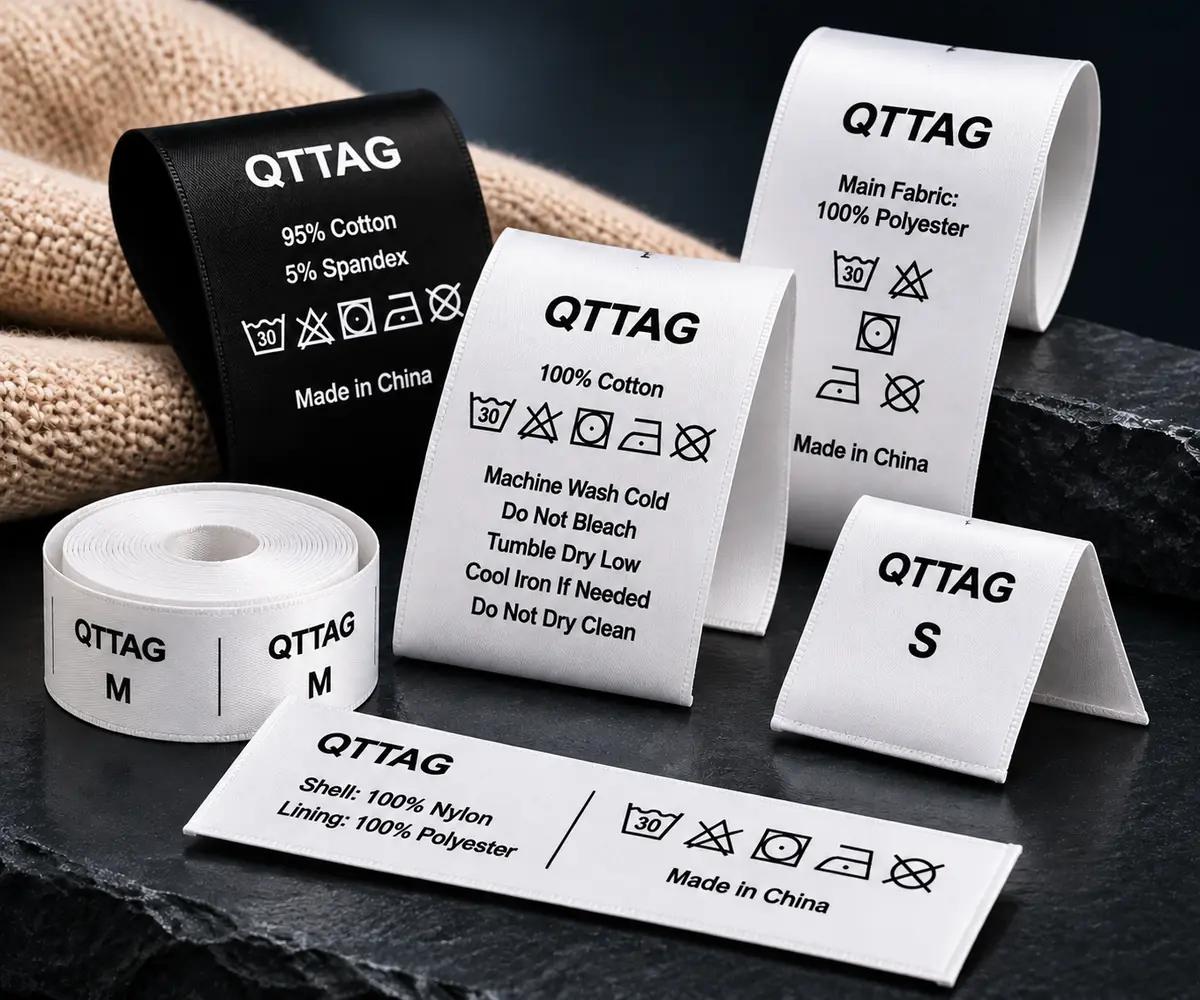
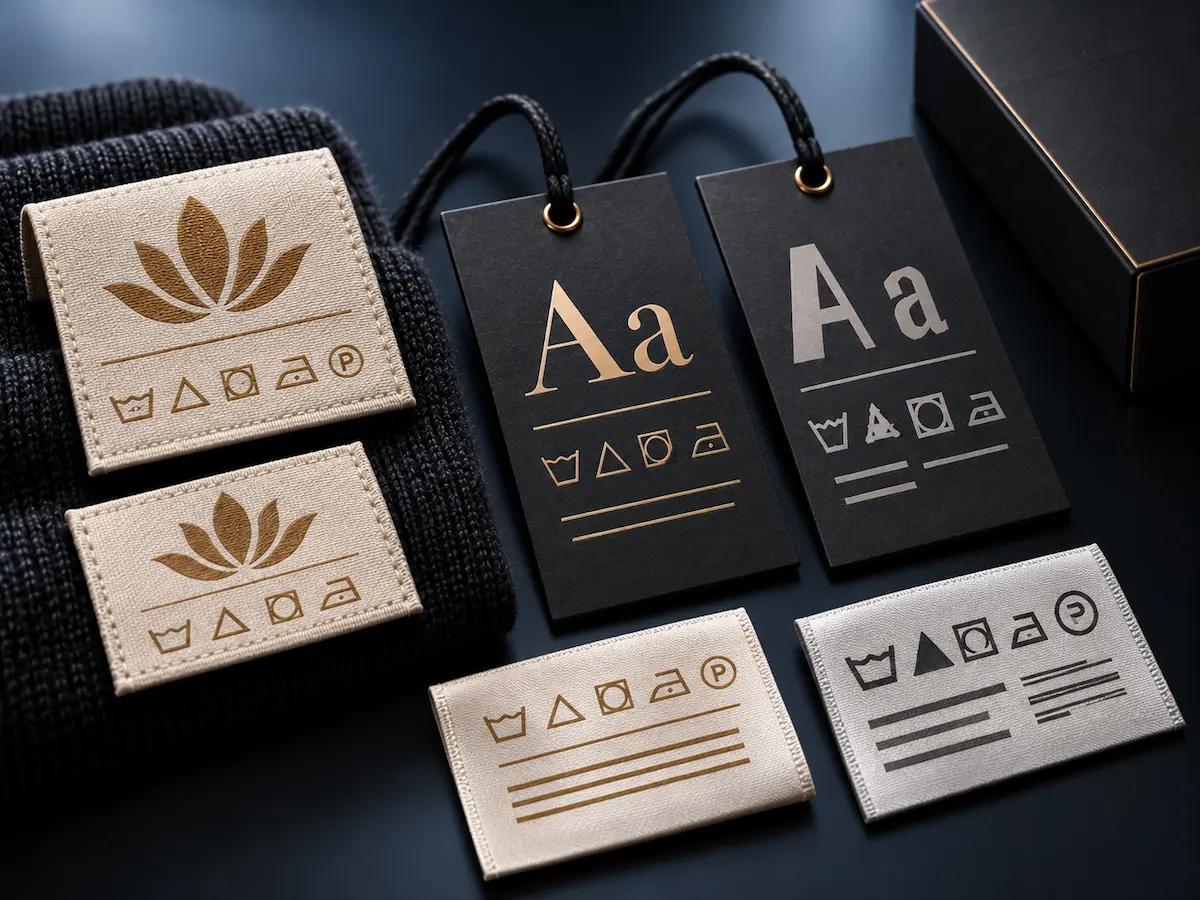
Specify approved text, icons, dimensions, substrate requirements and print-side orientation.

Buyer remains responsible for accurate care and fiber information.
Heat transfer labels artwork

Heat Transfer Labels

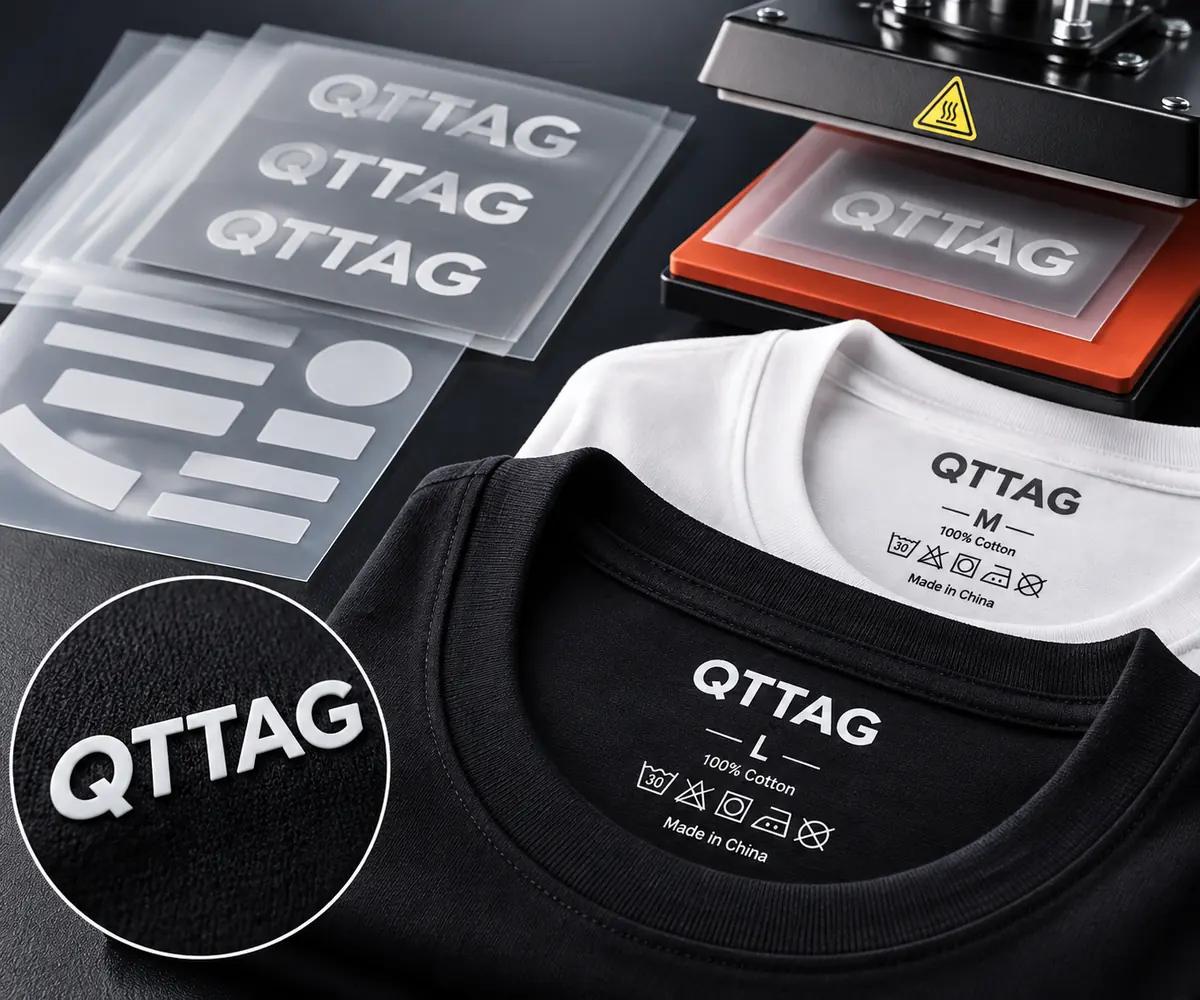
Identify target garment fabric, graphic size, printed colors, scale and relevant application requirements.

Fine detail and garment compatibility depend on the selected transfer system.
Custom hang tags artwork

Hang Tags

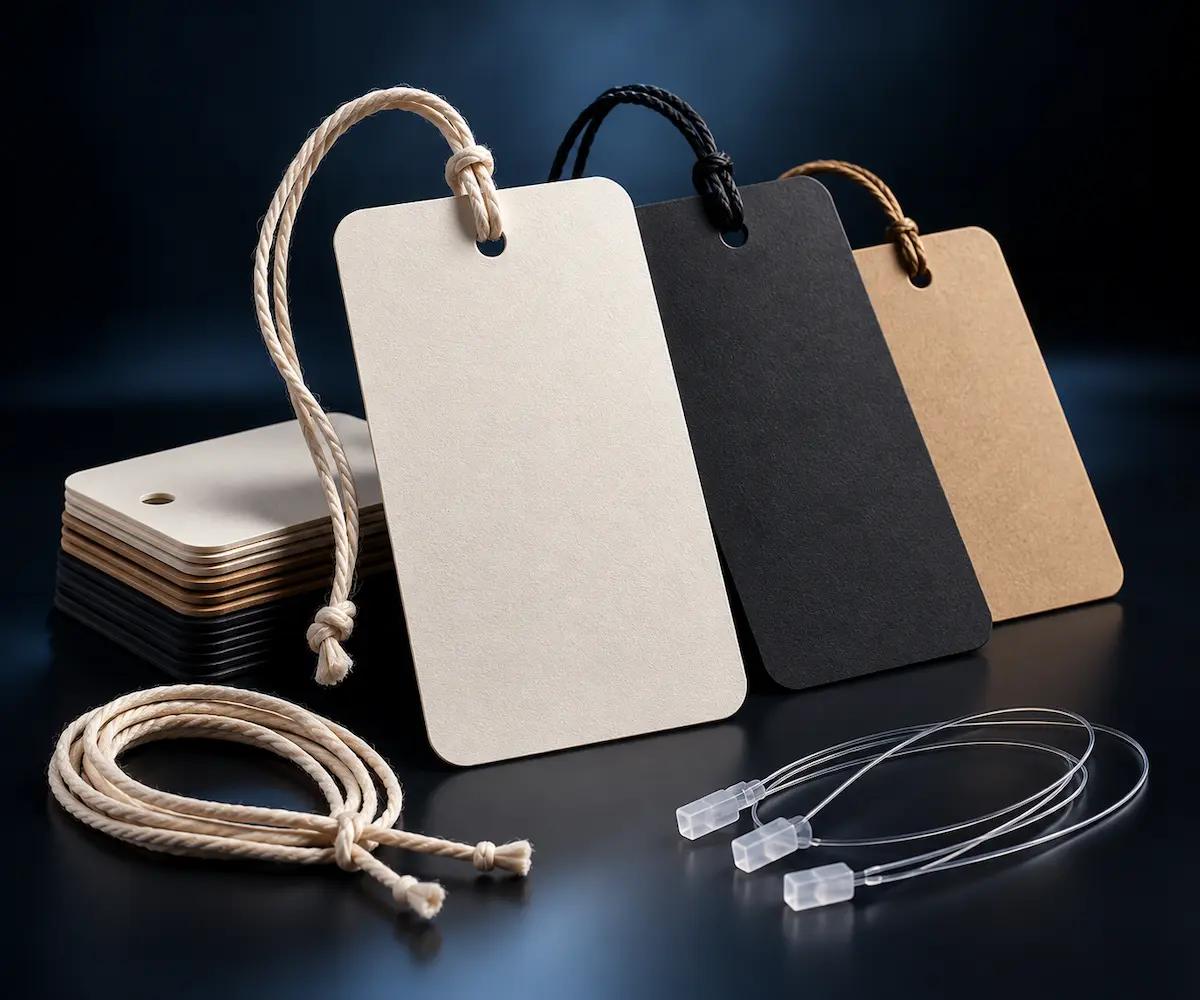
Include face and reverse artwork, final dimensions, shape, cut line, hole position and selected finishes.

Keep critical text away from holes, cuts and folds.
Paper bags packaging artwork

Paper Bags

Provide graphics, panel orientation, bag construction, folds, handle position and an approved structural template.

Artwork should be positioned against the confirmed bag dieline.
Packaging boxes artwork design

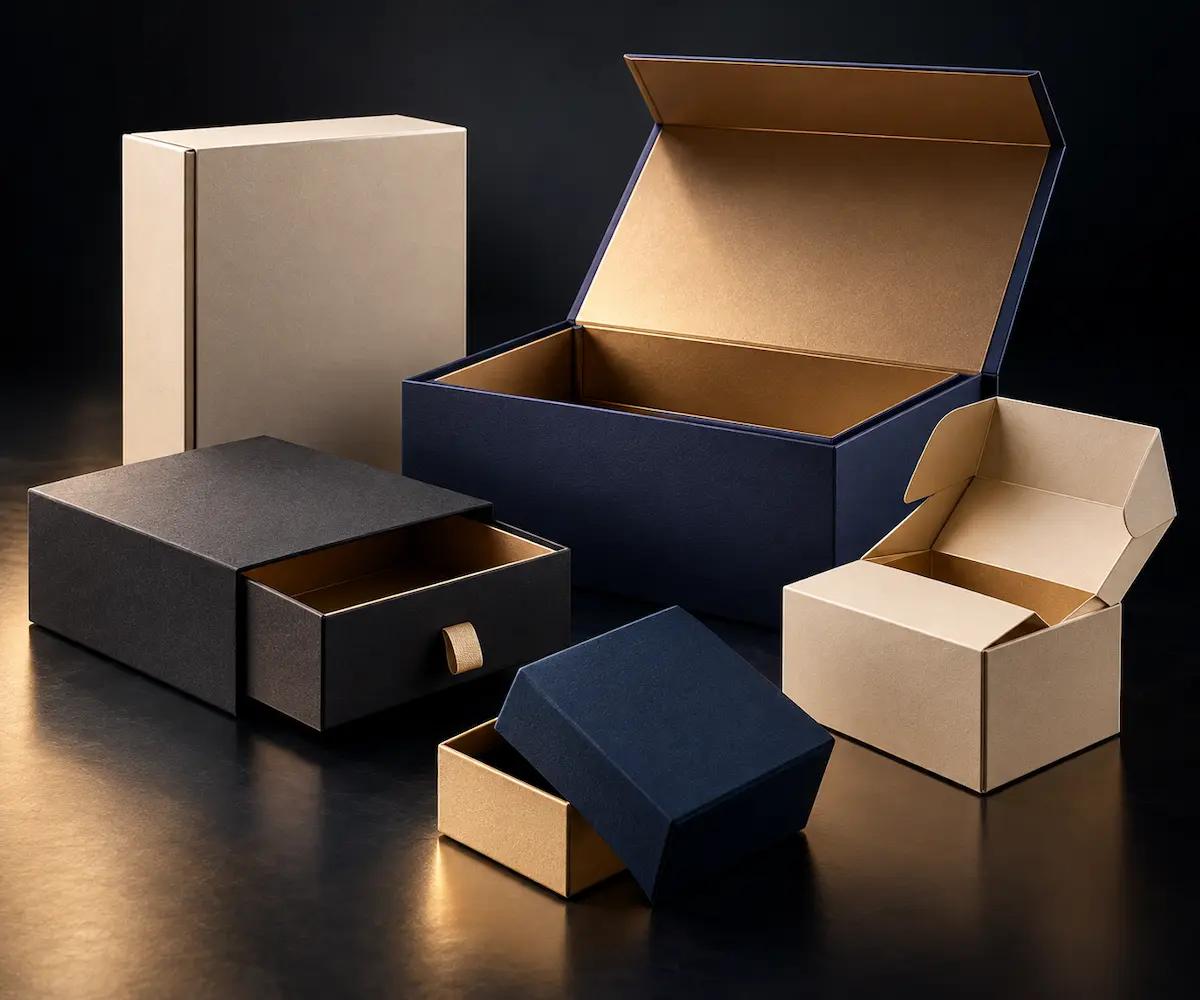
Packaging Boxes

Identify artwork for each panel, structural dieline, creases, adhesive areas and applicable print or finishing layers.

Confirm panel orientation and assembly before production.

Prepare Colors and Type for Real Production

Color behavior varies between fabric, paper, inks and finishing systems. Clear color references and editable text prevent avoidable interpretation errors.

Brand Color References

Include approved spot colors or other references where available; explain which colors are critical.

Font Outlines & Readability

Provide appropriately outlined text or authorized fonts and check small typography at actual finished size.

Black, White & Knockouts

Identify reverse graphics, opaque white requirements and knockout areas where relevant to the process.

Separate Decorative Layers

Label foil, embossing, debossing, spot coating and other treatments independently from the printed artwork.

Bleed, Safe Areas and Dielines Are Not Decoration

A structural guide defines where the product is cut, folded, joined or attached. Artwork must be checked against the approved construction—not a generic online measurement.

Trim & Bleed

Extend printed backgrounds beyond the final trim line where the selected production process requires bleed. For custom hang tags, paper bags and packaging boxes, provide the approved dieline and confirm bleed allowances, cutting boundaries and edge artwork with QTTAG.

Safe Area

Keep logos, small text, care instructions and essential graphics clear of cutting edges, fold lines, punched holes and adhesive areas. Review the safe area against the finished dimensions of garment labels, hang tags or packaging to prevent important details from being obscured.

Crease & Fold Lines

Mark all crease positions, folding directions and panel orientations on separate, non-printing artwork layers. For folding cartons, paper packaging and folded hang tags, check how graphics align across panels and ensure critical design elements remain visible after assembly.

Punching & Attachment

Specify the position and size of punched holes, attachment points and required clearance from artwork or structural edges. For custom hang tags, confirm cord or fastener compatibility, hole placement and the intended hanging orientation before approving the final production file.

A Technical File Needs More Than One Layer

Use the same final structural template for each treatment. The examples below are conceptual diagrams for layout planning, not production-ready dielines.

Explore Printing & Finishes
Brand logo, text and approved visible graphics
Final contour and fold or cut instructions
Foil, relief, spot coating or other selective treatment

Resolve Common Artwork Problems Early

Most file-related delays arise from missing production information rather than artistic quality. Review these issues before sending artwork for woven labels, care labels, hang tags or packaging production.

Request an Artwork Review
Low resolution logo versus clear vector artwork

Low-Resolution Logo

Problem

A logo copied from a screenshot or compressed image may look acceptable on screen but lose fine lines, small lettering and important details when reproduced on woven labels, hang tags or branded packaging.

Review

Request original vector artwork such as AI, EPS or vector PDF whenever possible. Check the finished size, minimum readable lettering and reproduction requirements for the selected material and production method.

Font differences on garment labels and hang tags

Missing or Changed Fonts

Problem

Missing or substituted fonts can change letter shapes, spacing, line breaks and special characters. These differences may affect brand artwork, multilingual care labels and printed packaging information.

Review

Supply outlined text or appropriately licensed font files where available. Verify approved wording, character support and typography at the actual finished size before preparing the production file.

Artwork dimensions and dieline alignment checks

Wrong Dimensions

Problem

The artwork canvas may not represent the finished product dimensions. Fold returns, sewing allowances, bleed areas and packaging dielines can affect the final size and placement of printed details.

Review

Specify finished dimensions separately from flat artwork, cutting lines and fold positions. Compare the file with the approved construction template or physical sample before production.

Separated printing, cutting and foil artwork layers

Merged Technical Layers

Problem

Flattened artwork may combine printed graphics with cutting lines, foil stamping, embossing, debossing or spot UV details. This makes it difficult to identify the separate manufacturing requirements.

Review

Prepare clearly named layers or separate technical files for printing, cutting, creasing and decorative finishes. Confirm layer visibility and alignment before approving the artwork for sampling.

Artwork Preflight Checklist

Before submitting your files, confirm the details that help a production team review your request efficiently.

View File Package Requirements
✓Correct Product & VersionConfirm this item is present, approved and clearly identified in the submitted package.
✓Actual Finished SizeConfirm this item is present, approved and clearly identified in the submitted package.
✓Approved CopyConfirm this item is present, approved and clearly identified in the submitted package.
✓Color ReferenceConfirm this item is present, approved and clearly identified in the submitted package.
✓Structural TemplateConfirm this item is present, approved and clearly identified in the submitted package.
✓Finish LayersConfirm this item is present, approved and clearly identified in the submitted package.
✓Linked Assets & FontsConfirm this item is present, approved and clearly identified in the submitted package.
✓Questions for ReviewConfirm this item is present, approved and clearly identified in the submitted package.

Submit a File Package That Is Easy to Review

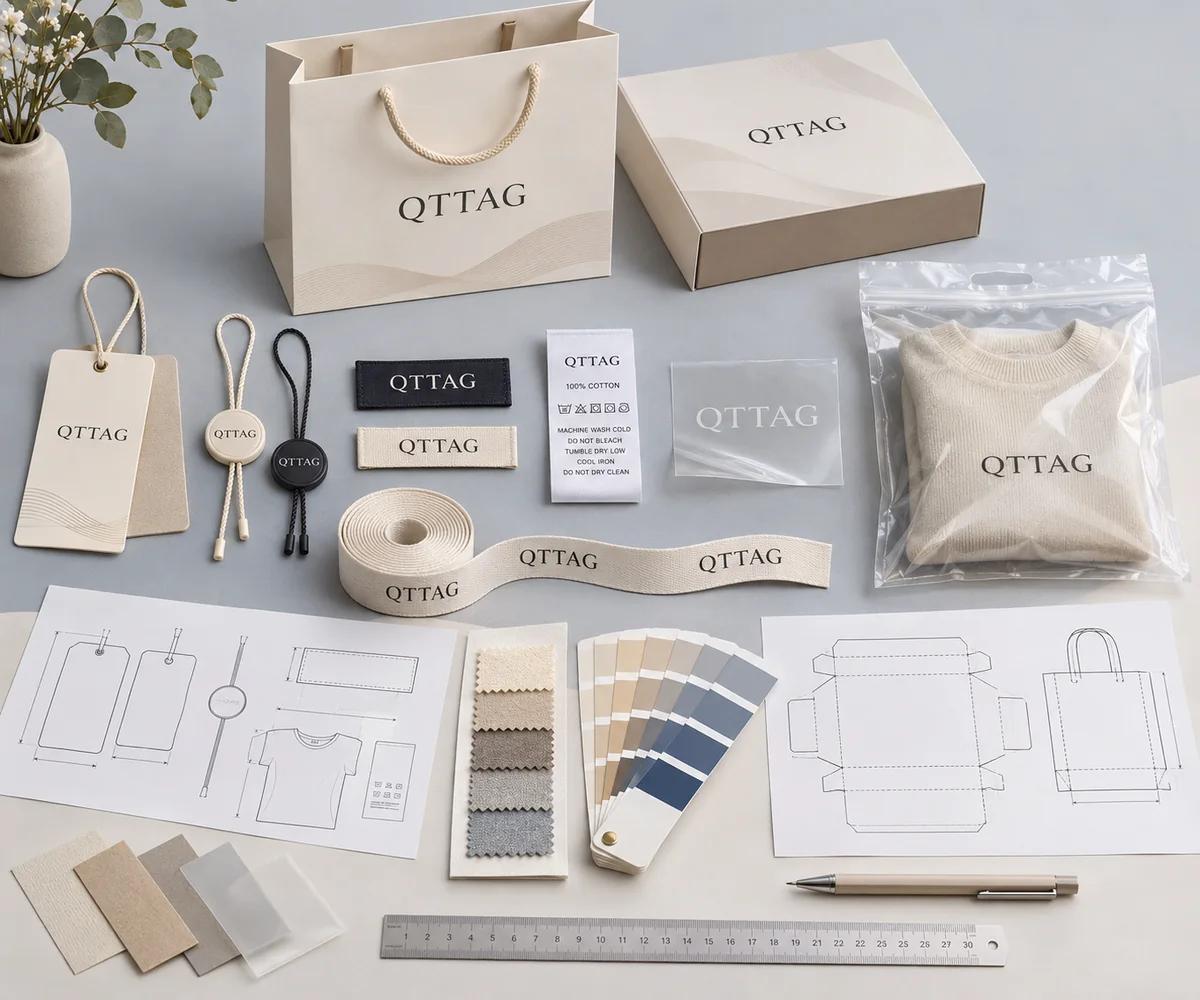
Organize the artwork into a clear submission so the team can distinguish the approved design from optional concepts and technical instructions.

01 / Master Artwork

Include the current editable logo or layout and an export showing the intended appearance.

02 / Technical Reference

Attach the approved size, construction, dieline and marked special-finish areas if needed.

03 / Order Context

State the product type, material choice if known, variations and estimated quantity.

Artwork Requirements FAQs

Answers to common buyer questions about preparing production artwork for custom branding components.

Have more questions? Visit all FAQs
Which file formats are preferred for custom labels and packaging?

Editable vector formats such as AI, EPS and vector PDF are generally useful, depending on the product and workflow. SVG may also be reviewed.

Can I submit a PNG or JPG instead of a vector file?

Raster files can explain the intended design and may be usable for selected printing applications, but fine logos and technical layers often require editable source files.

Should I outline fonts before sending artwork?

Outlining fonts can help preserve letter shapes and avoid substitutions, but keep an editable source copy for future corrections.

How much bleed and safe area should my hang tag artwork include?

Requirements depend on the selected printing method, paper, finished shape and cutting process. Request the project's confirmed dieline instead of applying a universal measurement.

What needs to be included in a packaging dieline?

A packaging dieline should identify final panel dimensions, cuts, creases, gluing areas and relevant construction details.

What if my artwork is not ready for production?

Send the best source files available with the product type and intended result. The review can identify what needs clarification or adjustment.

Send Artwork with Confidence

Share your current logo files, packaging layouts or garment label artwork with QTTAG. We can help identify the technical information needed to review your custom production requirements.

Discuss Your Artwork Requirements